
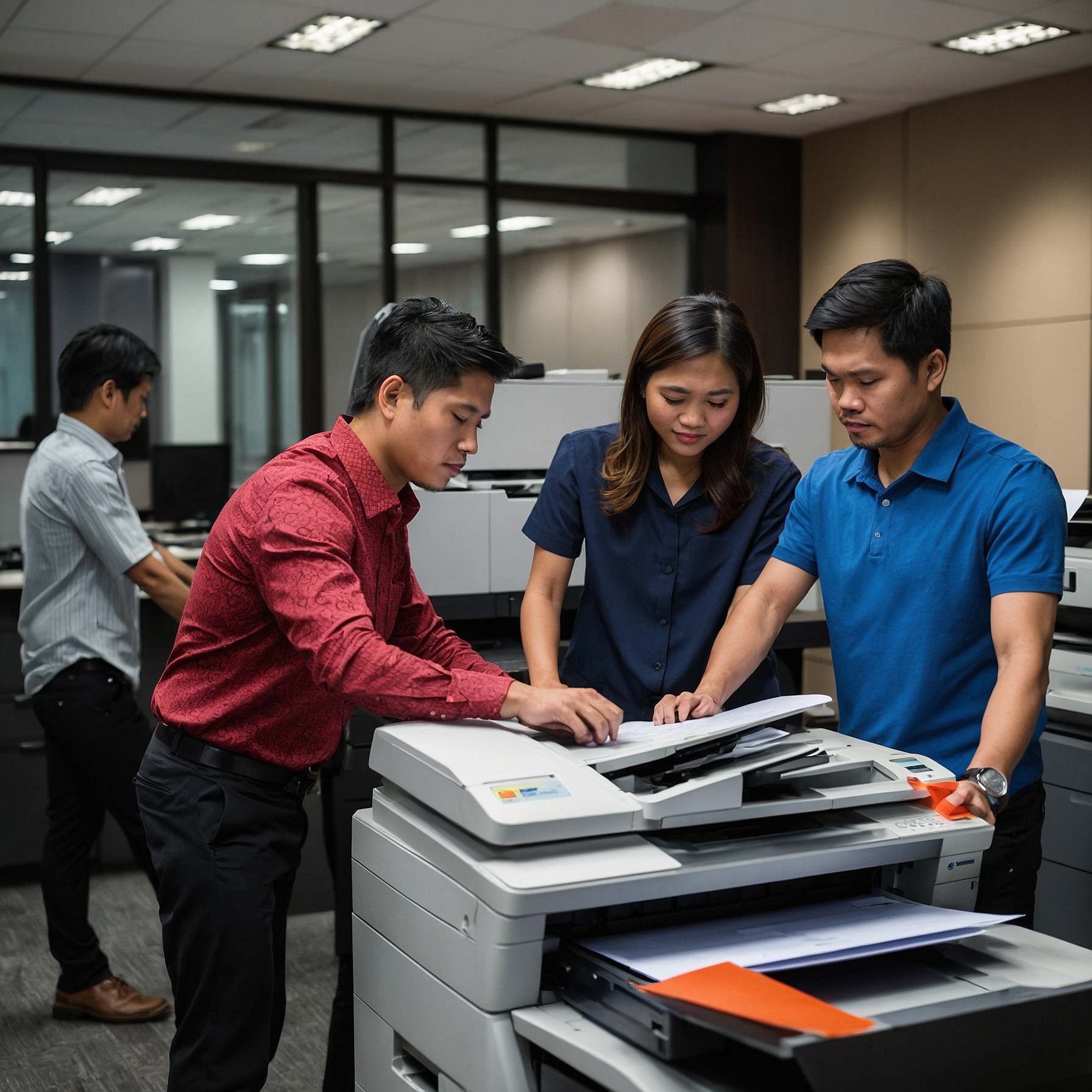
In today's digital age, offices rely heavily on copiers to handle important tasks such as document scanning, printing, and copying. While these machines are essential to daily operations, they also present security risks if not properly managed. Copier security solutions for offices have become a critical consideration for businesses looking to protect sensitive information from unauthorized access and potential cyber threats.
This post will explore various copier security solutions that can help safeguard your office’s information and ensure that your devices are functioning securely. From encryption to secure access controls, we’ll cover a range of security features and practices that businesses can implement to prevent data breaches and unauthorized access.
Understanding Copier Security Risks
Before diving into security solutions, it's essential to understand the potential risks associated with office copiers. Many modern copiers come with hard drives that store documents, images, and other sensitive data. If these devices are not properly secured, they can become a target for cybercriminals.
Some common security risks include:
Data Theft: If a copier's hard drive is not properly wiped or encrypted, sensitive information can be accessed and stolen.
Unauthorized Access: Without proper access controls, employees or third parties may gain unauthorized access to confidential documents.
Network Vulnerabilities: Copiers connected to office networks can be vulnerable to attacks if network security measures are not in place.
Key Copier Security Solutions for Offices
1. Data Encryption
Data encryption is one of the most important security measures for office copiers. It ensures that any information stored on the copier’s hard drive is protected. With encryption, the data is converted into a format that cannot be accessed without the proper decryption key. This solution protects sensitive information from being exposed in the event of a breach.
Benefits of Data Encryption:
Secures stored data and ensures privacy.
Helps comply with data protection regulations.
Reduces the risk of information theft or loss.
Many modern copiers come with built-in encryption features, but it's important to verify that this feature is activated and properly configured.
2. Secure Print and User Authentication
One of the simplest yet most effective copier security solutions is to require secure print and user authentication. By enabling user authentication, businesses can ensure that only authorized individuals can access the copier’s functionality. This is especially important for sensitive documents that should not be printed without the user being present.
How It Works:
Users must enter a PIN, swipe a card, or use biometric authentication (such as fingerprint scanning) to release their print jobs.
This prevents unauthorized users from accessing or printing confidential documents.
Secure print features also allow for better tracking of copier usage and can help identify any suspicious activity.
3. Network Security
Since many copiers are connected to office networks, ensuring proper network security is vital. Just like any other networked device, copiers can be vulnerable to cyberattacks if they are not protected by firewalls or secure network protocols.
Best Practices for Network Security:
Use a dedicated, segmented network for copiers to prevent unauthorized access from other parts of the office network.
Enable firewalls and intrusion detection systems (IDS) to monitor copier traffic.
Regularly update copier firmware to patch security vulnerabilities.
By strengthening the copier’s connection to the network, businesses can minimize the risk of cyberattacks targeting office copiers.
4. Remote Monitoring and Management
Another effective security measure is remote monitoring and management. Many modern copiers come with remote management features that allow administrators to monitor copier usage and performance from anywhere. By using remote monitoring tools, office managers can identify unusual patterns, such as excessive print jobs or unauthorized access attempts, and take immediate action.
Remote management also enables quick configuration changes, firmware updates, and troubleshooting, which can help ensure that security measures are always up to date.
Related Resource:
Learn more about remote monitoring of office copiers: Remote Monitoring of Office Copiers
5. Regular Maintenance and Updates
A critical part of copier security is maintaining and updating the device regularly. Manufacturers often release firmware updates that fix known security issues, so it’s important to ensure that these updates are applied as soon as they become available.
How to Maintain Copier Security:
Schedule regular maintenance checks to ensure that all security features are working correctly.
Update copier software and firmware to protect against new security vulnerabilities.
Regularly wipe the copier’s hard drive before disposal or recycling to prevent data leaks.
6. User Training and Awareness
Employees should be trained on proper copier security practices. This includes not leaving sensitive documents on the copier, ensuring that print jobs are collected immediately, and following proper procedures for disposing of or shredding confidential documents.
Training Topics Should Include:
How to securely print and retrieve sensitive documents.
The importance of logging off or turning off the copier after use.
Identifying and reporting any suspicious activity related to copier use.
Related Resource:
Learn about copier training for office staff: Copier Training for Office Staff
Choosing the Right Copier for Office Security
When selecting a copier for your office, it's essential to choose one that offers robust security features. Look for copiers that provide strong encryption, secure access controls, and regular software updates. Additionally, copiers that support remote management and monitoring will allow you to stay on top of potential security risks.
Related Resource:
Evaluate the different types of office copiers available: Types of Office Copiers
Conclusion
Copier security is an often-overlooked aspect of office operations, but it’s essential to protect sensitive data from theft, misuse, or unauthorized access. By implementing data encryption, user authentication, network security measures, and remote monitoring, businesses can create a secure copier environment. Additionally, regular maintenance, updates, and employee training are key components in keeping your copiers safe.
Investing in copier security solutions for offices ensures that your organization can maintain its reputation and protect both client and employee information. Don't wait until a breach occurs—take action today to secure your office copiers and safeguard your business’s valuable data.
Key Takeaways:
Data encryption, secure print, and user authentication are essential for copier security.
Regular firmware updates and network security measures protect against vulnerabilities.
Remote monitoring and training staff on copier security can help prevent breaches.
By adopting these best practices, offices can ensure that their copiers are not just efficient, but also secure.