
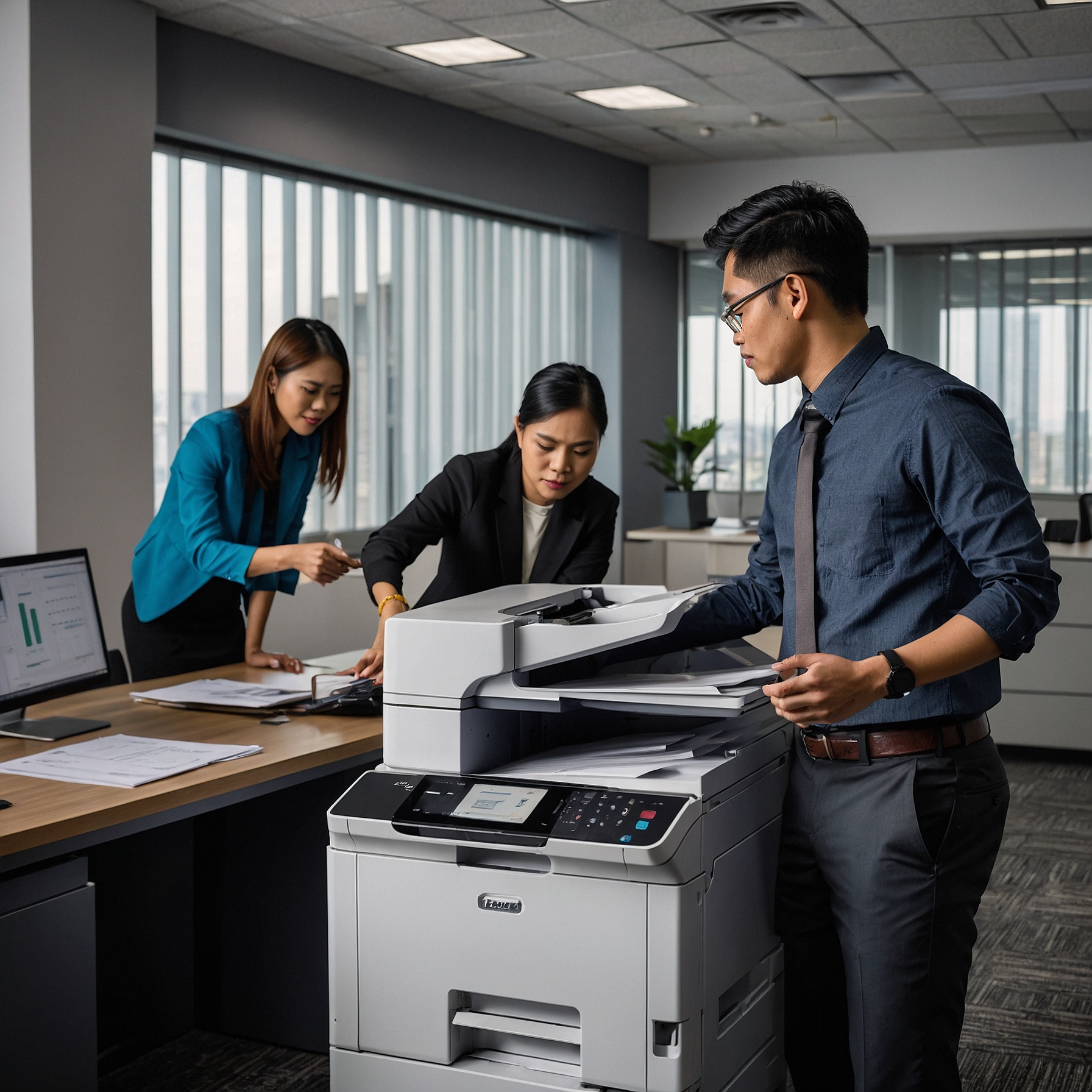
Copier Security Features for Events: Why They Matter More Than You Think
When planning an event—whether it’s a corporate expo, product launch, or training seminar—most organizers think of venue, sound systems, internet access, and registration tools. But there’s one element that’s often overlooked: copier security. In today’s fast-paced and digitally sensitive environment, copier security features for events are more important than ever.
Why Copier Security Matters at Events
Event copiers handle more than just flyers and handouts. They often process sensitive data—like attendee lists, internal communications, invoices, and confidential reports. Without proper security features, these machines could become points of data leakage or unauthorized access.
Here’s the good news: modern copiers come equipped with a range of security features tailored for event use. Let’s explore these in detail and help you understand what to look for when renting a copier for your event.
Common Copier Security Risks at Events
Before diving into solutions, it’s important to understand what risks are involved:
Unsecured data stored on copier hard drives
Unauthorized access to scanned documents
Network breaches through unsecured printing
Abandoned printouts left in trays
Improper post-event disposal of data
Any of these risks can lead to data breaches, loss of credibility, or even legal issues depending on the nature of your event.
Top Copier Security Features for Events
To avoid these risks, here are the most essential copier security features to request from your rental provider:
1. User Authentication
User authentication ensures that only authorized users can access the machine. This can be done through:
PIN codes
Swipe cards
Biometric authentication
Mobile access control apps
Authentication is crucial for events where multiple people use the same device, especially in open environments.
2. Data Encryption and Secure Print Release
Encryption protects data as it moves through the network and sits on the machine’s internal storage. With secure print release, documents are only printed when the user is physically at the machine, reducing the chance of abandoned or stolen printouts.
This is especially helpful for printing NDAs, contracts, and event credentials securely.
3. Hard Drive Wiping or Overwrite Features
Many advanced event copiers come with built-in options to automatically wipe data after every job or at the end of the day. For short-term events, this feature is crucial.
Be sure to ask your provider about post-event data deletion options to keep your information secure after the rental period ends.
4. Access Logs and Audit Trails
High-security events benefit from audit logs that track all activities on the copier: who used it, what was scanned, and when. This helps in compliance and post-event reporting, especially for legal, financial, or healthcare conferences.
5. Secure Scanning and Email Protection
Scanning documents to email is convenient but can be risky. Modern copiers can:
Mask email addresses
Encrypt outgoing files
Block unauthorized destinations
Some even allow watermarking scans for additional tracking and document control.
6. Mobile Print Security
If your event allows mobile printing via smartphone or tablet, make sure the copier supports secure app-based print release or mobile VPN connections.
Learn more: Speed and Efficiency in Event Copiers
Questions to Ask Your Copier Rental Provider
To ensure your rental includes strong security features, ask these questions:
Does the copier support user authentication and print release?
Is the hard drive encrypted and wiped after the event?
Can I access audit logs for accountability?
Are mobile printing and scanning secured?
What happens to stored data after pickup?
Explore Rental Rates for Event Copiers to see how security features affect pricing.
Tailored Packages That Include Security
Not all copier rentals are created equal. Look for event-specific rental packages that include built-in security features along with delivery, setup, and support.
These packages can be customized based on event size, document volume, and security needs—helping you balance cost, efficiency, and protection.
Real-World Case Study: Secure Copier Use in a Medical Conference
At a major healthcare convention in Manila, event organizers rented high-speed copiers with biometric login and auto-wipe features. Because the event involved confidential patient research and licensing contracts, data security was non-negotiable.
The machines were programmed to delete files every 30 minutes, and only senior staff could print or scan documents. After the event, all internal data was wiped and a security certificate was issued by the rental provider.
Read more: Case Studies of Copier Use at Major Events
Event Copier Security: A Worthwhile Investment
Investing in copier security features for events might not be your first priority, but it’s an investment that protects your data, brand reputation, and guest trust.
In today’s digital world, a copier isn’t just a machine—it’s a connected device that needs the same level of attention as your internet firewall or registration system.
By choosing the right rental provider and prioritizing security, you can ensure a smooth, safe, and professional event experience.
Final Thoughts
Security is no longer optional, especially for events involving multiple users, shared networks, and confidential content. Make sure your event planning checklist includes copier security. Doing so protects not only your documents but also your attendees and your brand.
For customized solutions and event-specific copier packages, visit Marga Copier Rentals and secure your peace of mind.