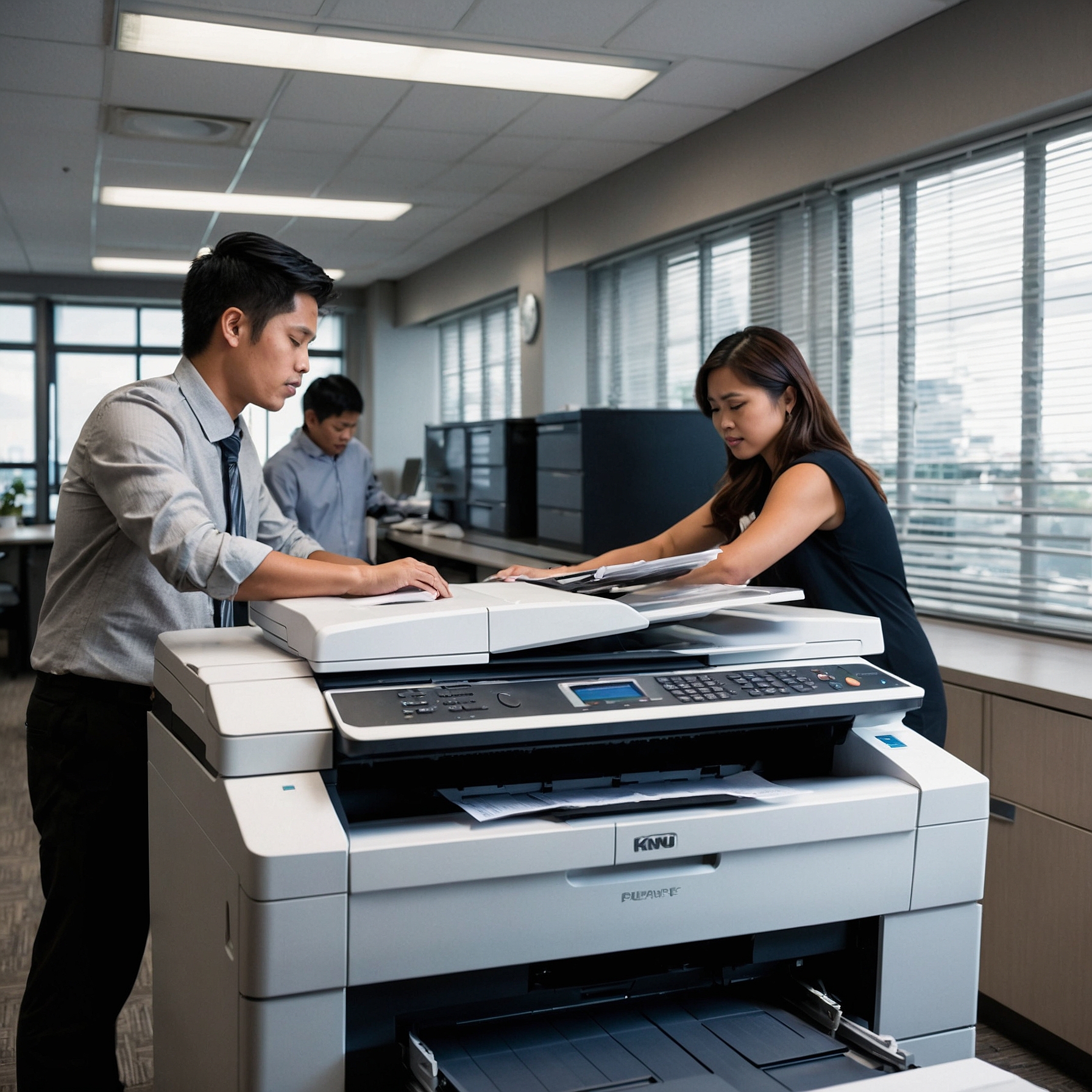
 When it comes to managing document workflows, small and medium-sized businesses (SMBs) often face a common dilemma—buy or rent a copier? This Copier Rental Decision Guide will help you navigate that choice with confidence.
 With rapid technological advancements and changing office needs, renting a copier can offer flexibility, cost savings, and access to the latest features without a major upfront investment.
In this comprehensive
Copier Rental Decision Guide, we’ll walk you through everything you need to know before signing a rental agreement—so you can make a smart, sustainable, and budget-friendly choice for your team.
👉 Related:
Lease vs. Rent – Which Is Better for SMB?
Why Rent a Copier Instead of Buying?
For most SMBs, purchasing a copier outright can tie up capital and leave the business stuck with outdated equipment in a few years. Renting, on the other hand, offers:
- Lower upfront costs
- Predictable monthly payments
- Access to newer technology
- Built-in maintenance and support
Whether your business is scaling up or transitioning to hybrid work, copier rental offers greater adaptability to change.
Step 1: Assess Your Printing Needs
Before renting, take stock of your team’s actual usage.
Ask yourself:
- How many pages do we print monthly?
- Do we need color or black-and-white?
- Are scanning and cloud features necessary?
- How many users will access the machine?
Understanding your needs ensures you’re not overspending on features you won’t use—or underestimating the volume you require.
👉 Explore advanced options in
Innovations in Copier Technology for SMBs
Step 2: Set a Realistic Copier Budget
Cost is one of the biggest deciding factors. Copier rentals can vary depending on:
- Monthly print volume
- Machine capabilities
- Contract length
- Support and maintenance inclusions
👉 Learn how to allocate wisely with this
Budgeting Guide for Copiers in SMBs
Also, don’t forget to factor in:
- Toner/ink
- Paper
- Unexpected service calls (unless covered)
A clear understanding of your total cost of ownership will protect you from hidden fees.
Step 3: Choose the Right Rental Term
Most copier rentals offer short-term (month-to-month), medium (12–24 months), or long-term (36–60 months) contracts. Shorter contracts offer flexibility, while longer ones often bring down monthly costs.
✔️
Short-term rentals are ideal for:
- Events or seasonal businesses
- Startups with evolving needs
- Testing new workflow models
✔️
Longer-term rentals suit:
- Stable, high-volume printing environments
- Established SMBs needing predictable costs
Step 4: Compare Features and Functions
Not all copiers are created equal. Depending on your business needs, look for features such as:
- Wireless/mobile printing
- Duplex (double-sided) printing
- Scan-to-email or cloud
- Secure print release for privacy
- Touchscreen navigation
- Energy-saving settings
By prioritizing features that fit your workflow, you’ll avoid paying for unnecessary extras.
Step 5: Consider Support and Maintenance Services
Your copier rental should come with dependable technical support. Downtime can cost your team hours in lost productivity, so make sure the provider offers:
- Scheduled maintenance
- Fast response times for repairs
- Toner supply and replacement
- Remote diagnostics (if available)
👉 Review
Copier Service and Support Options for SMBs
This is a crucial part of the decision—good service turns a rental into a partnership, not just a transaction.
Step 6: Evaluate the Impact on Workflow and Productivity
Will the rental copier support your team’s pace of work? An underpowered device can slow down processes and frustrate employees. Conversely, a well-matched copier can improve document handling, speed up tasks, and enable remote or hybrid teams to stay connected.
👉 See real outcomes in
Copier Rental Impact on SMB Productivity
Step 7: Vendor Selection Tips
Choosing the right vendor is just as important as choosing the right machine. Look for a provider that offers:
- Transparent pricing
- Flexible contracts
- Eco-friendly disposal options
- Good reviews or case studies
- Responsive customer support
You can also request a
trial period or demo to see how the device performs in your environment.
Key Questions to Ask Your Rental Provider
To avoid surprises, clarify the following with your rental vendor:
- What’s included in the monthly fee?
- Are supplies like toner included?
- What’s the average response time for support?
- Is there a penalty for early cancellation?
- Can we upgrade during the contract term?
Clear answers upfront can save time and prevent budget overruns down the road.
Final Thoughts
Renting a copier may seem like a small decision—but it affects daily workflow, team productivity, and your long-term operating budget. By following this
Copier Rental Decision Guide, you can evaluate your options with clarity and confidence.
With the right machine, the right support, and a well-structured agreement, copier rentals can become a powerful productivity tool for your growing business.
