
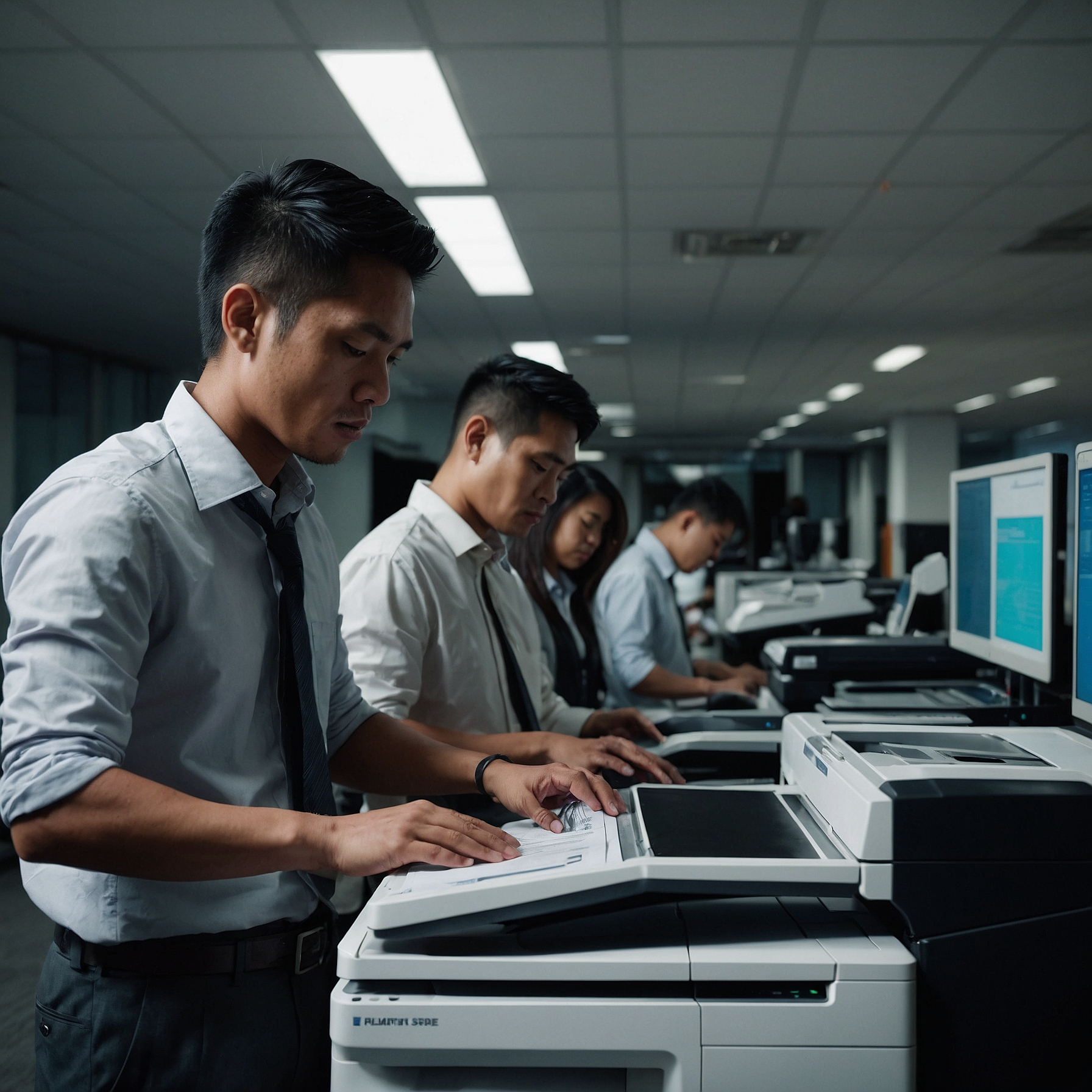
In today’s dynamic classroom environment, teachers rely heavily on copiers—not just for printing worksheets, but also for scanning documents, distributing multimedia materials, and managing administrative tasks. But not all copier models are created equally. The right features can transform routine tasks into efficient workflows.
This blog post explores Copier Features Beneficial for Teachers, highlighting capabilities that save time, reduce stress, and support better classroom management.
👉 Dive deeper into copier benefits here: Copier Features Beneficial for Teachers
1. Scan‑to‑Email and Scan‑to‑Folder
Why it matters: Quickly digitize documents like student work, field trip notices, and lesson plans.
Benefits include:
Instant sharing with students or parents
Easier storage and retrieval
Fewer printed handouts saved in multiple copies
This technology supports paperless workflows—saving time, space, and effort.
2. Cloud Integration and Mobile Printing
Teachers often carry lesson materials on laptops or tablets. Cloud-integrated copiers allow:
Printing directly from Google Drive, Dropbox, or OneDrive
Scanning classroom materials back to the cloud
Printing via mobile devices for added convenience
This improves flexibility and supports BYOD (bring your own device) environments.
👉 Learn how to connect your copiers with digital systems: Digital Integration with School Systems
3. Secure Print Release
Secure print release ensures:
Confidential worksheets or test papers are only printed when the teacher is present
Students can't launch mass printing from staff copiers
Misprints are avoided—everything prints on demand
This feature greatly enhances control and security in shared office spaces.
4. Scalable Output and Duplex Options
Teachers schedule high-volume print jobs—like weekly worksheets organized into packets.
Features include:
Fast print speeds (30+ ppm) prevent hour-long waits
Duplex (two-sided) printing reduces paper usage and bulk
Additional trays for various paper sizes and projects
These support heavy classroom demands without congestion.
5. Easy Navigation with Touchscreen Panels
Modern copier interfaces resemble tablets and include:
Dedicated buttons for common tasks (copy, scan, email)
Drag-and-drop scanning and print settings
Touch-to-authenticate for quick access
This eliminates confusing menus and reduces time spent training or troubleshooting.
6. Emergency & Event Rentals
During busy periods or special school events, your normal copier may not be enough.
Options include:
Short-term copier rentals to meet demand
Backup copiers for guaranteed uptime
Rental units with eco-friendly settings to match school policies
👉 Plan ahead with rental options: Copier Rentals for School Events
7. Budget Support for Copier Rentals
Teachers don't always control copier budgets, but knowing what goes into them helps.
Key budget considerations:
Base rental costs vs replacement costs
Ongoing maintenance, toner, and service coverage
Scalability for increasing usage or declining demand
👉 Get a framing for cost planning: Budgeting for School Copier Rental
8. Reliable Support and Emergency Repairs
When a copier jams during a test or busy prep time, fast support is vital.
On-site emergency tech visits
Remote diagnostics for quicker fixes
Temporary rentals to bridge the gap while repairs happen
👉 Discover emergency response packages: Emergency Copier Services for Schools
9. User-Friendly Practice Sessions
Complex machines can discourage teachers from using advanced features.
Best practices:
Hands-on training on scan modes, cloud workflows, and duplex setup
Simple laminated guides near machines
Peer support teams for quick assistance
Final Thoughts
Copier Features Beneficial for Teachers focus on efficiency, security, and ease of use. From fast document scanning to secure release and cloud prints, modern copiers streamline classroom tasks and reduce administrative hassle.
If your current copier is obsolete or misaligned with educator workflows, consider updating—with clear advantages for staff efficiency, workflow reliability, and cost transparency.
Focus Keyword: Copier Features Beneficial for Teachers
Want to avoid the pitfalls? Here's my advice:
- Read the Fine Print: Seriously, don't skip it.
- Ask Questions: No question is a silly question.
- Consider Trusted Providers: Like Marga, for example.