
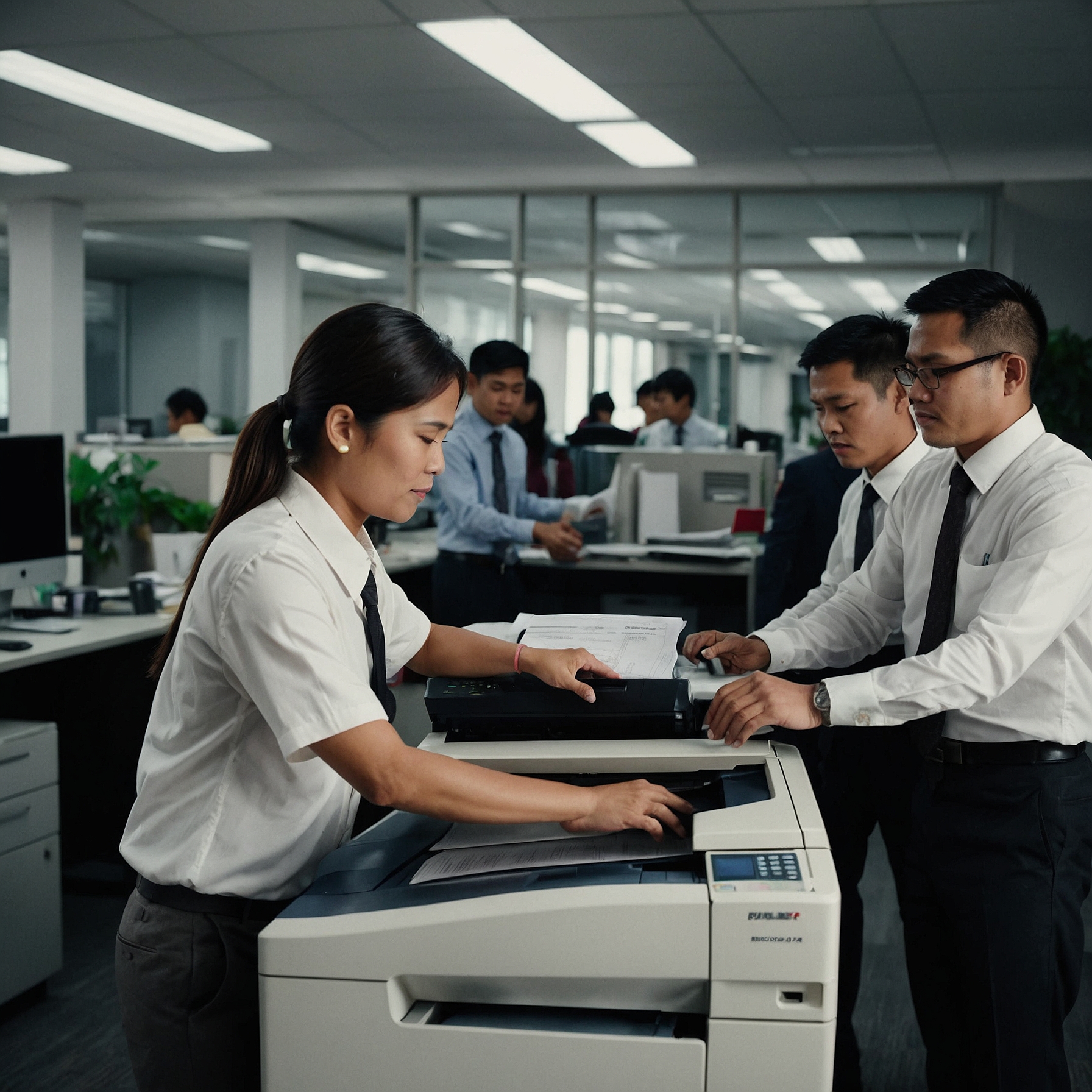
When choosing a copier for your office, print quality is one of the most important factors to consider. Whether you're producing documents for internal use or high-quality prints for clients, the technology you select matters. In this post, we’re comparing print quality: digital vs. analog, helping you understand which copier type best fits your business needs.
Both analog and digital copiers have their advantages, but when it comes to clarity, detail, and consistency, one might suit you better than the other.
What Determines Print Quality?
Print quality is influenced by several factors:
Resolution (DPI – dots per inch)
Sharpness of text and images
Color accuracy and consistency
Paper handling and finish options
These elements impact how professional and legible your printed documents appear. Now let’s see how digital and analog models compare.
Digital Copiers: Precision and Consistency
Higher DPI for Sharper Results
Digital copiers typically offer higher resolutions (up to 1200 DPI), producing extremely sharp text and detailed images. This makes them ideal for:
Marketing materials
Photographs
Reports with charts or graphics
If your business prioritizes image clarity and vibrant output, digital technology has a clear edge.
You can explore more about digital copier advantages at Comparing Print Quality: Digital vs. Analog.
Consistent Output on Every Copy
One major benefit of digital copiers is uniformity. Since documents are processed digitally, each copy maintains the same quality—regardless of how many are printed.
Even after hundreds of copies, there’s minimal fading, skewing, or degradation.
Analog Copiers: Simplicity with Limitations
How Analog Copiers Work
Analog machines use light reflected off the original document to create a direct imprint onto the copy paper. While this method is fast and reliable, it lacks the precision of digital replication.
You’ll notice that:
Text might appear slightly blurred
Image details can be lost
Consistency may vary between copies
However, for basic black-and-white copying, analog machines can still be a reliable choice.
Suitable for Internal Documents
If your primary goal is to duplicate simple memos, forms, or handwritten notes, analog quality is usually sufficient—especially when cost is a concern.
To understand the cost implications, visit this cost comparison of digital vs. analog copiers.
Visual Comparison Table
| Feature | Digital Copiers | Analog Copiers |
|---|---|---|
| DPI (Resolution) | Up to 1200 DPI | Typically under 600 DPI |
| Text Clarity | Very sharp | Acceptable, sometimes blurred |
| Image Quality | High detail and vibrant colors | Moderate detail |
| Consistency | Uniform every time | Quality may vary |
| Best Use Case | Professional documents | Simple, internal documents |
Other Factors to Consider
Ease of Use
Digital copiers may come with advanced settings, but that also means they require some training. Analog machines are plug-and-play with minimal learning curve.
Explore more at Ease of Use: Digital vs. Analog Copiers.
Maintenance and Long-Term Reliability
While analog machines may require fewer technical interventions, they often wear down faster in terms of copy quality. Digital machines, when maintained properly, retain their print performance longer.
Learn about Maintenance Needs for Digital and Analog Copiers.
Which Is Right for You?
Your decision should depend on your business priorities:
Need crisp graphics and color accuracy? Go digital.
Just need fast black-and-white copies? Analog might be enough.
Concerned about training and ease? Analog wins for simplicity.
Want cloud integration and scanning? Digital provides versatility.
For guidance based on your business size and goals, read this post on Suitability for Business Sizes and Types.
Final Thoughts
When comparing print quality: digital vs. analog, digital clearly leads in sharpness, consistency, and color performance. But analog still holds value for basic copying tasks, especially in smaller offices or budget-sensitive settings.
Understanding your specific use case will help you make the best decision—balancing quality, cost, and function.
Meta Description (for Yoast SEO):
Comparing print quality: digital vs. analog copiers. Discover which copier type delivers better resolution, consistency, and clarity for your office needs.