
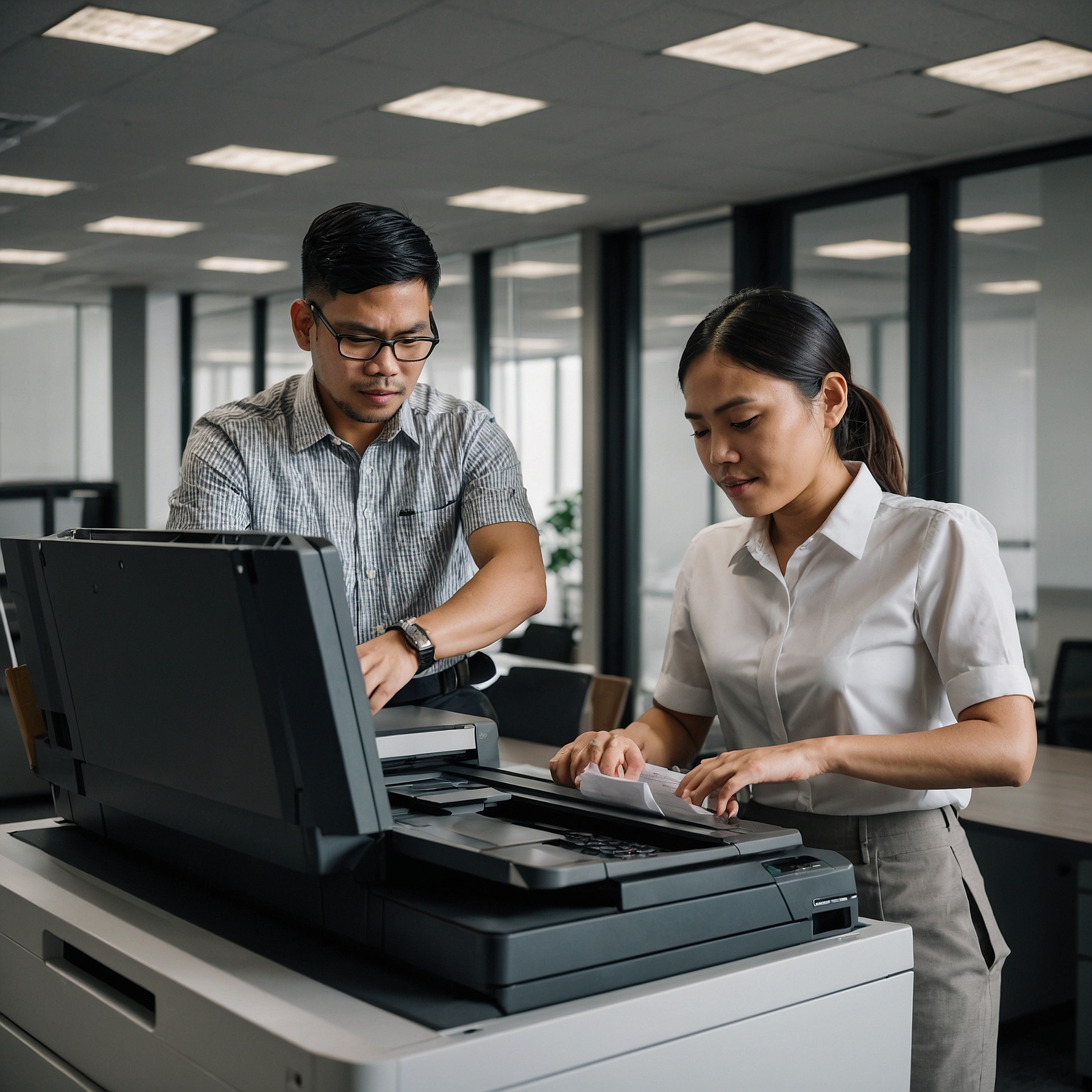
Choosing the right office printer can feel overwhelming. With so many models, features, and price points, how do you know which printer will actually meet your needs? Whether you manage a small business or oversee a large team, understanding and comparing office printer features can help you save time, money, and headaches in the long run.
In this blog post, we’ll guide you through the essential features to consider when selecting an office printer, and highlight key comparisons between popular models and printer types. You’ll also find helpful links to explore your best options further.
Why Comparing Office Printer Features Matters
Your printer isn’t just a piece of equipment—it’s a key tool in your daily operations. A mismatch between your printing needs and the printer you choose could mean slow performance, high costs, and frequent breakdowns.
When comparing office printer features, think beyond the price tag. Consider functionality, speed, support, and long-term efficiency. Making the right decision upfront can boost productivity and reduce maintenance issues over time.
Types of Office Printers: Which One Fits Best?
Before diving into specific features, it’s helpful to know the basic printer types used in offices:
1. Monochrome Printers
Perfect for offices that print a high volume of text documents. These printers only use black ink or toner, making them fast and cost-effective.
➡️ Explore Monochrome Printers for Office Use
2. Inkjet Printers
Known for high-quality color prints, especially on photo paper. However, they may be slower and costlier per page than laser printers.
➡️ View Inkjet Printers for Office Use
3. Laser Printers
Ideal for busy offices needing fast and reliable output. Laser printers are generally more efficient for large print jobs.
➡️ Compare Best Laser Printers for Offices
Key Features to Compare
Here are the essential features to review when evaluating different office printers:
1. Print Speed (PPM - Pages Per Minute)
Faster printers improve productivity in busy environments. If your team prints large batches daily, aim for at least 25–40 PPM for black-and-white and 15–30 PPM for color.
2. Print Resolution (DPI - Dots Per Inch)
A higher DPI means sharper images and text. For basic documents, 600 DPI is often sufficient, but 1200 DPI or higher is ideal for marketing materials or image-heavy files.
3. Connectivity Options
Check if the printer supports:
Wi-Fi and Ethernet for network printing
USB ports for direct connections
Mobile printing (AirPrint, Google Cloud Print) for flexible device use
4. Monthly Duty Cycle
This tells you how many pages a printer can handle per month without problems. Match this to your actual volume to avoid frequent breakdowns.
5. Multifunction Capabilities
Many office printers are now MFPs—Multifunction Printers that can scan, copy, and fax. These are ideal for streamlining workflows and saving space.
6. Paper Handling
Check the paper tray capacity, supported sizes (A4, legal, etc.), and if it allows duplex (double-sided) printing. Offices that print in bulk benefit from high-capacity trays.
7. Operating Cost (Cost Per Page)
Look at the price of toner or ink and calculate how many pages you’ll get per cartridge. Some printers may be cheap upfront but costly over time.
Support and Maintenance: Don’t Overlook It
Beyond features, reliable service support is a game-changer. Look for brands or providers that offer:
Onsite servicing
Fast parts replacement
Dedicated customer support
➡️ Discover Office Printers with Best Support
Feature Comparison Example: Monochrome vs. Color Inkjet
| Feature | Monochrome Laser Printer | Color Inkjet Printer |
|---|---|---|
| Print Speed | Fast (25–40 PPM) | Slower (10–15 PPM) |
| Cost per Page | Low | Higher |
| Print Quality | Excellent for text | Better for photos and graphics |
| Initial Cost | Medium to high | Low to medium |
| Ideal For | Bulk document printing | Color documents, occasional use |
| Support Options | Broad service availability | Varies by brand |
➡️ Need help choosing? Explore Best Printers for Office Use
Practical Tips Before You Buy
Assess Your Needs: What does your team print most—documents, graphics, photos?
Plan for Growth: Choose a printer that can handle increased usage as your business grows.
Ask About Warranties: Protect your investment with extended warranties or service contracts.
Check Reviews: User feedback offers real-world insight into reliability and ease of use.
Conclusion: Choose Smart, Print Better
Comparing office printer features is more than checking specs—it’s about finding the perfect fit for your workflow, budget, and growth. By understanding your print habits and aligning them with the right printer type and features, you’ll make a smart investment that pays off in efficiency and cost savings.
Whether you need the speed of a monochrome laser printer or the color depth of an inkjet, you now have the tools to choose wisely.
Want More Help?
Still unsure what’s best for your office?
Visit the Marga.biz blog to explore detailed guides and expert picks:
➡️ Monochrome Printers for Office Use
➡️ Inkjet Printers for Office Use
➡️ Best Laser Printers for Offices
➡️ Office Printers with Best Support