
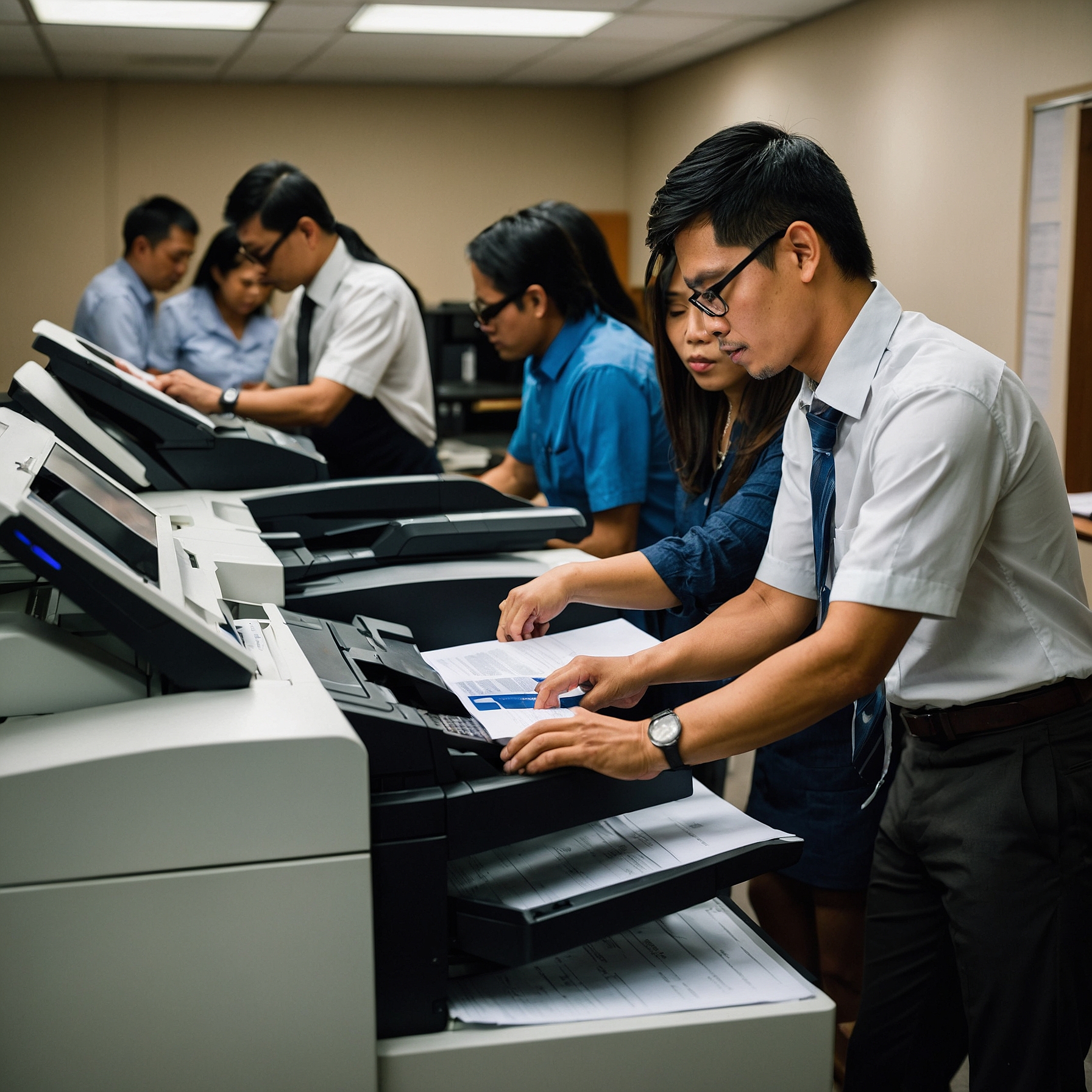
In today’s fast-paced business environment, having the right office equipment can make all the difference. One of the most essential tools in any modern workplace is the printer. While monochrome printers are great for basic tasks, color printers for office use offer a broader range of benefits—especially for businesses that rely on high-quality visuals, presentations, and marketing materials.
This guide explores the importance of color printers in the office, the different types available, and what to consider before buying or renting one for your workspace.
Why Choose Color Printers for Office Use?
Color printers bring your documents to life. From vibrant presentations and client proposals to detailed reports and flyers, having access to color printing in-house can elevate the professionalism of your output.
Here are some advantages of using color printers for office use:
Enhanced Communication: Color-coded charts and graphs are easier to understand.
Better Branding: Printing in your brand colors improves consistency and recognition.
Improved Client Experience: Professionally printed materials reflect your company’s attention to detail.
Increased Productivity: No more waiting for outsourced print jobs.
For many businesses, especially in marketing, education, real estate, and creative industries, color printing is not just a want—it’s a need.
Types of Color Printers for Office Settings
When choosing a printer, it’s important to know the options available. Here are the main types of color printers for office use:
1. Inkjet Color Printers
Best for small offices with occasional color printing needs. They are compact and affordable but may have higher long-term ink costs.
2. Laser Color Printers
Ideal for offices with frequent printing. They’re faster, more efficient, and generally have a lower cost per page compared to inkjets.
3. Multifunction Color Printers (MFPs)
Also known as all-in-one printers, these devices print, scan, copy, and sometimes fax. Great for businesses looking to consolidate equipment.
4. Wireless Color Printers
These allow printing from mobile devices and laptops without physical connections, perfect for modern and hybrid work environments. You can explore top wireless printer options here.
Key Features to Look For
When selecting a color printer for office use, consider the following factors:
✅ Print Speed
For busy offices, look for printers with high pages-per-minute (PPM) output—especially for color jobs, which take longer to process.
✅ Print Quality
Look for high DPI (dots per inch) to ensure crisp, vibrant prints—especially if you're printing brochures, photos, or detailed graphics.
✅ Paper Handling
Consider printers that can handle various paper sizes and types. Auto-duplexing (double-sided printing) is a plus for saving paper.
✅ Connectivity
USB, Ethernet, and wireless options provide flexibility. Wireless printing is especially useful for teams working remotely or on the go.
✅ Cost-Efficiency
Look at the total cost of ownership—this includes not just the printer’s price but also ink or toner replacements, maintenance, and energy usage.
Renting vs. Buying a Color Printer
Should your office buy or rent a color printer? That depends on your needs.
Buying is ideal if:
You have consistent high-volume printing.
You prefer full control over your machine.
You plan for long-term use.
Renting is ideal if:
You want to test a printer before committing.
You have seasonal or short-term printing needs.
You need access to the latest models with minimal upfront cost.
Many companies now offer rental options for color printers, helping businesses stay flexible and cost-efficient. Learn more about printer options here.
Color Printer vs. Monochrome Printer: Which One Is Right?
While color printers for office use offer versatility and visual appeal, monochrome printers are still popular for high-volume, text-only printing. If your business only needs basic printing (like legal documents or memos), a monochrome printer might be more cost-effective.
You can explore the differences between the two printer types here.
Tips for Maximizing Your Color Printer Investment
To get the most out of your color printer:
Use economy or draft mode for internal documents to save ink.
Schedule regular maintenance to avoid costly breakdowns.
Choose the right print settings for each job.
Train your team to print responsibly and avoid unnecessary color usage.
If you're opting for a wireless color printer, check out the benefits and options here.
Final Thoughts
Color printers are no longer a luxury—they’re a necessity for many modern offices. From boosting brand image to improving internal communication, the benefits are undeniable.
Choosing the right color printer for office use comes down to understanding your specific needs, balancing quality and cost, and staying up to date with the latest technology. Whether you decide to rent or buy, invest wisely—and your printer will return that investment many times over.
Explore more guides and expert recommendations on color printers, wireless models, and copier rentals at Marga.biz.