
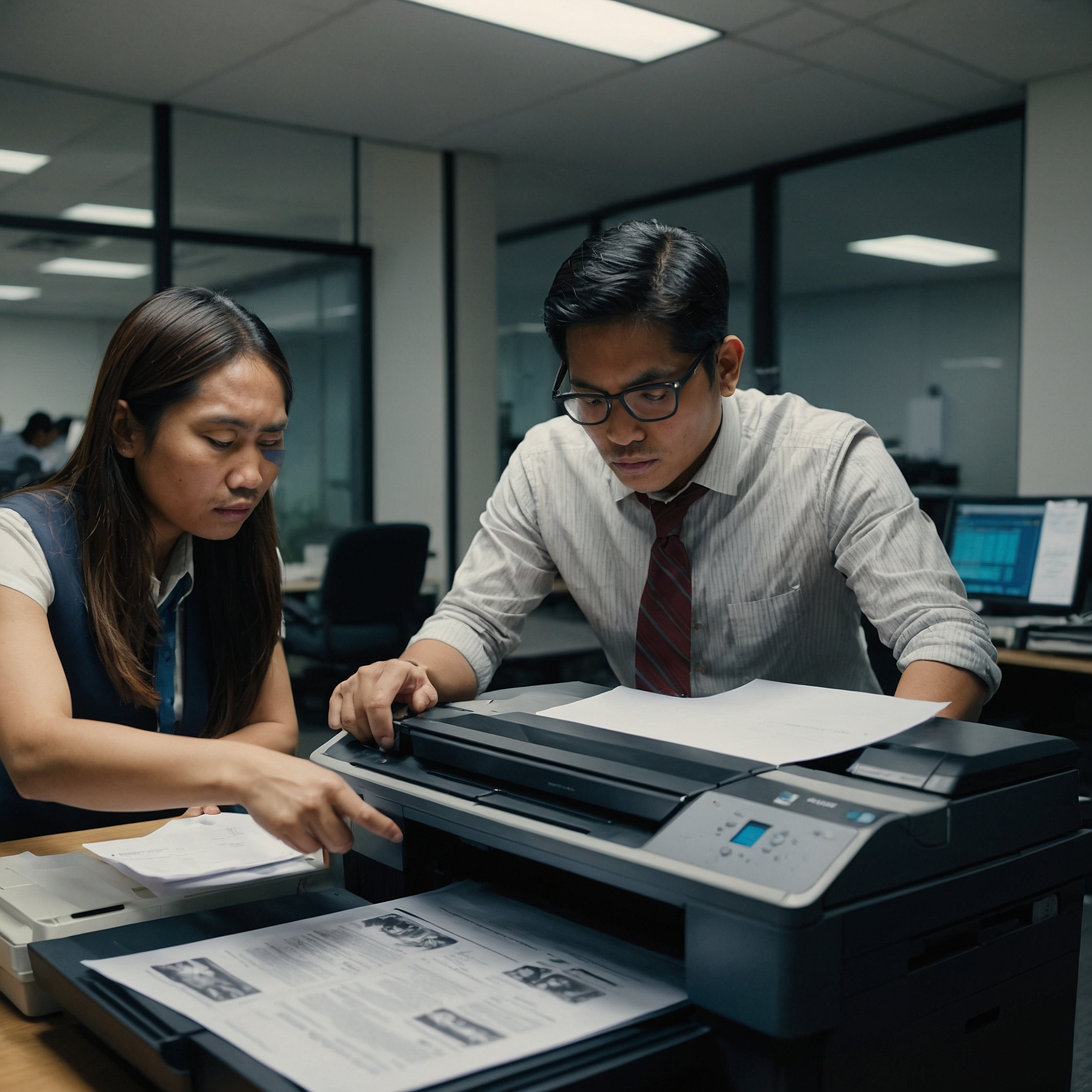
Best Printers for Remote Work: A Professional Guide to Enhancing Home Office Efficiency
Introduction
The rise of remote work has reshaped how professionals approach productivity and efficiency. While digital tools dominate communication and file management, the need for reliable printing remains essential. From preparing contracts to scanning reports, printers continue to play a critical role in remote operations.
Choosing the Best Printers for Remote Work is not simply a matter of convenience—it’s a decision that can influence daily output, operational costs, and even your carbon footprint. This article outlines key printer features to consider, explores whether renting or buying is more practical, and provides links to trusted resources to guide your selection.
The Continued Need for Home Office Printers
Despite a digital-first workplace, remote professionals often require physical documentation for legal, financial, or client-facing tasks. Having a dependable printer at home ensures:
Timely access to hard copies
Secure handling of sensitive materials
Reduced dependence on external printing services
With that in mind, selecting the right device becomes a strategic move—not just a technical one.
So, what should you prioritize when evaluating printer models for remote use?
Essential Features for Remote Work Printers
Identifying the most suitable printer starts with a clear understanding of your work environment and output needs. Below are the most important features to consider:
1. Wireless Connectivity
Eliminate cable clutter and enable remote printing via Wi-Fi or Bluetooth. This feature allows users to print directly from laptops, tablets, or smartphones.
→ Learn more from Wireless Printers for Remote Work
2. Compact or Portable Design
Many remote professionals operate in limited home office spaces. A compact or mobile printer model preserves valuable space while delivering consistent performance.
→ Explore options in Portable Printers for Home Offices
3. Multifunction Capabilities
Look for all-in-one printers that integrate printing, scanning, and copying. These devices reduce the need for multiple machines and are especially helpful in administrative or document-heavy roles.
4. Sustainability and Energy Efficiency
Eco-conscious models use less energy and often feature duplex (double-sided) printing, sleep modes, and ink-saving functions. They align with sustainability goals while minimizing costs.
→ Review Eco-Friendly Printers for Remote Work
5. Built-in Security Features
Remote environments may expose sensitive data to higher risks. Choose printers that offer secure print release, PIN authentication, and encryption to safeguard information.
→ Understand the risks in Security Considerations for Home Office Printers
Once you’ve identified these essential features, the next step is to match them with the right printer type.
Types of Printers Suitable for Remote Work
Selecting the appropriate printer type ensures compatibility with your workload, printing frequency, and space requirements.
▸ Inkjet Printers
Inkjet printers are well-suited for color printing, image-heavy documents, or low-volume tasks. They are cost-effective upfront but may have higher long-term supply costs.
▸ Laser Printers
Laser printers excel in printing large volumes of black-and-white text. These machines are faster, more durable, and ideal for consistent office-style output.
▸ All-in-One Printers
These devices are highly versatile, combining print, scan, and copy functions. They’re especially recommended for professionals handling administrative documents or managing client records.
However, a key question remains: Should you buy or rent your printer? Let’s explore that next.
Renting vs. Buying: A Strategic Comparison
While purchasing a printer offers long-term ownership, it also entails higher upfront costs, supply tracking, and ongoing maintenance. Rental solutions provide an alternative path—especially for remote professionals seeking flexibility and convenience.
Benefits of renting include:
Reduced capital expenditure
Regular maintenance and technical support
Easy equipment upgrades or replacements
Inclusive ink or toner refills
→ Learn more in Cost of Renting Printers for Remote Workers
→ Explore Best Practices for Remote Printer Rentals
→ View Comparing Rental Options for Remote Work
To help visualize the impact of printer rentals, consider the following real-world example.
Practical Application: Remote Work Rental Success
A regional consulting agency equipped its remote consultants with rented all-in-one printers configured for wireless use and automatic supply delivery. As a result, the firm:
Improved document turnaround time
Reduced IT tickets by 40%
Enhanced data security through secure print release features
→ Read more in Case Studies: Remote Work Printer Rentals
If you decide to implement a new device at home, setup and customization are essential for optimal results.
Setting Up and Customizing Your Printer
A smooth installation process reduces technical issues down the line. Here’s a brief guide for setting up your printer in a remote work environment:
Choose a flat, ventilated surface
Connect to Wi-Fi or pair via Bluetooth
Install required drivers and mobile apps
Perform a test print and scan
→ For a complete walkthrough, see Setting Up a Home Office Printer
Additionally, consider tailoring your rental solution to match your needs:
Monthly print volume
Black-and-white vs. color printing
Extra security features
→ Discover how to personalize plans through Customizing Printer Rentals for Remote Work
After setup, proper maintenance ensures your device continues to function smoothly.
Maintaining Print Quality and Device Health
Routine upkeep is crucial, especially when IT support is not immediately available. To extend your printer’s life and maintain performance:
Keep the unit dust-free
Use approved paper and ink
Run periodic printhead cleanings
Update firmware as needed
→ See more tips in Printer Maintenance for Remote Workers
Conclusion
Selecting the Best Printers for Remote Work involves more than just comparing prices. It’s about finding a balance between functionality, space, cost-efficiency, and long-term usability. Whether you choose to rent or buy, the right device will contribute significantly to your workflow, time management, and overall productivity.
As the remote work landscape continues to evolve, having dependable tools at your side—like a well-equipped printer—ensures you're always prepared.
Take the next step.
Explore printer rental plans or consult a specialist at Marga Enterprises to find the optimal printing solution for your home office setup.