
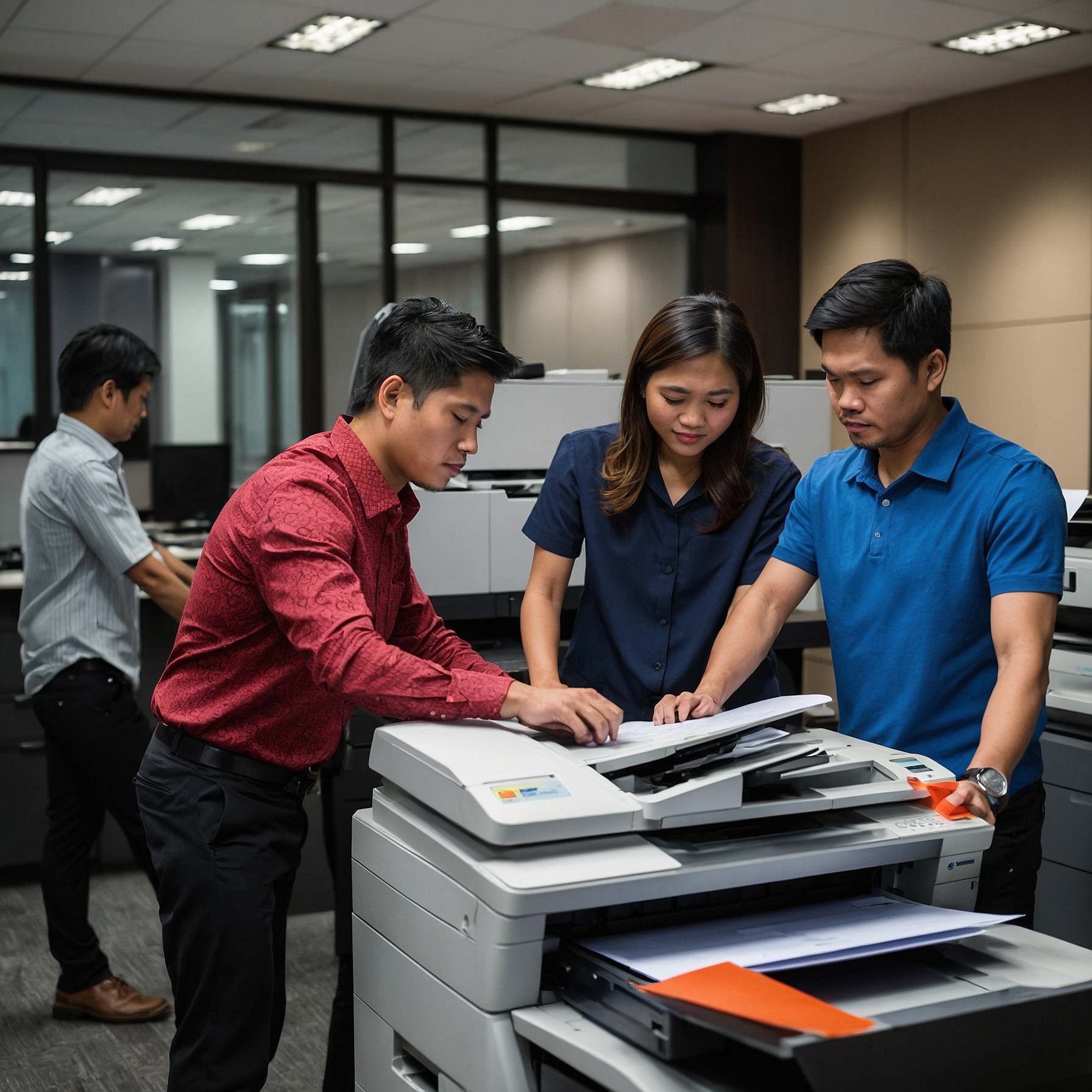
Keeping your printer in top condition isn’t just about preventing breakdowns—it’s about saving money, avoiding delays, and ensuring consistent print quality. Whether you own a printer or are using a rented unit, following the best practices for printer maintenance can significantly extend the life of your equipment and reduce unexpected repair costs.
In this guide, we’ll walk you through the most effective and easy-to-follow printer maintenance tips. These best practices apply to both small office setups and large-scale printer fleets.
Why Printer Maintenance Matters
Printers are essential tools for many businesses. But like any other machine, they wear down over time. Regular maintenance helps:
Prevent paper jams and print errors
Maintain high-quality output
Reduce the need for costly emergency repairs
Maximize the return on your rental or purchase investment
Even if your printer is under warranty or service agreement, it’s smart to follow basic care routines to avoid unnecessary service calls.
👉 Related: Warranty and Maintenance Coverage
1. Read the Manual
It sounds simple, but this step is often skipped. Your printer manual contains specific guidance for your model—how to clean it, replace parts, and interpret error messages. Make sure you:
Understand cleaning intervals
Know which parts are user-serviceable
Use the correct paper type and toner/ink
The manual sets the foundation for all best practices for printer maintenance.
2. Clean Your Printer Regularly
Dust and debris are major culprits behind many printer issues. Over time, they can cause smudging, paper jams, or sensor malfunctions.
Cleaning tips:
Wipe down external surfaces with a soft, dry cloth
Use compressed air to remove dust from internal components
Clean the rollers gently with lint-free cloth and isopropyl alcohol
Frequency: Every 1–2 weeks for high-use printers, monthly for lighter usage.
3. Use Quality Supplies
It may be tempting to use cheaper third-party ink or toner, but low-quality supplies can:
Damage internal parts
Lead to poor print quality
Void your warranty
Always use recommended or high-quality compatible supplies to ensure smooth performance.
👉 Learn more about coverage terms here: Warranty and Maintenance Coverage
4. Keep Your Printer in the Right Environment
Printers are sensitive to temperature, humidity, and dust. For best results:
Place printers on flat, stable surfaces
Avoid direct sunlight and high-heat areas
Use air purifiers or dust covers in dusty spaces
Ensure proper ventilation, especially for laser printers
Maintaining the right environment is one of the easiest best practices for printer maintenance with long-term benefits.
5. Perform Routine Software Updates
Printer manufacturers release firmware updates to fix bugs, improve compatibility, and enhance performance. Neglecting software updates can cause:
Connectivity issues
Print queue errors
Security vulnerabilities
How to update:
Connect to your printer’s software on your computer
Follow on-screen prompts for firmware updates
Register your printer to get update notifications
6. Check for Worn-Out Parts
Printers have components that degrade over time. For example:
Rollers wear down and cause misfeeds
Drums lose imaging quality
Fuser units may stop bonding toner correctly
Track your printer’s usage and replace parts according to the manufacturer's lifespan estimates. If you're renting, check if these are covered.
👉 Learn more: Maintenance Costs for Rental Printers
7. Don’t Overload the Paper Tray
Overloading trays is a quick way to cause paper jams and misfeeds. Follow these best practices:
Don’t fill beyond the marked capacity
Fan paper before loading to reduce static
Align paper properly to prevent skewing
Using the right paper type and loading it properly helps prevent one of the most common printer issues.
8. Schedule Preventive Maintenance
If your business relies heavily on printing, don’t wait for issues to arise—schedule preventive maintenance.
Benefits include:
Reduced downtime
Extended equipment life
Proactive part replacements
👉 If you're renting a printer, ask your provider about routine check-ups or servicing. Many offer support as part of their service contracts.
👉 See more: Emergency Printer Support Services
9. Monitor Print Volumes and Use Reports
Modern printers allow you to track print volumes and monitor errors. Use this data to:
Identify overuse or improper use
Detect performance drops
Schedule timely toner or paper refills
Monitoring usage also helps optimize your printing habits and prevent abuse or negligence from team members.
10. Train Your Staff
Many printer issues stem from improper use. Ensure your team knows:
How to load paper and replace toner correctly
What not to do (e.g., forcing paper jams, using wrong supplies)
How to report issues early
Training your staff on best practices for printer maintenance can drastically reduce incidents and extend your printer’s lifespan.
Printer Maintenance for Rentals vs. Owned Units
If you're renting a printer, you may think maintenance isn’t your responsibility. But that’s not always the case.
Rental Printers:
May include service and part replacements
Still require proper day-to-day care
Can incur fees if user neglect leads to damage
👉 Explore the details: Maintenance Costs for Rental Printers
Following best practices helps avoid disputes and ensures you're not billed for damage caused by neglect.
Quick Checklist: Daily, Weekly, and Monthly Tasks
Here’s a quick maintenance checklist to keep your printer in excellent condition:
Daily
Clear print queues after use
Check paper alignment
Refill supplies as needed
Weekly
Clean paper trays and rollers
Wipe dust from exterior
Monthly
Run diagnostic or cleaning cycles
Inspect toner and ink levels
Check for software or firmware updates
Common Mistakes to Avoid
Ignoring error messages – Always address them promptly.
Using worn-out cartridges – This can lead to poor print quality and internal damage.
Forcing jammed paper – Always open access doors and remove paper gently.
Skipping updates – Outdated software can cause functionality issues.
Avoiding these mistakes is just as important as following proactive best practices.
Final Thoughts
Following the best practices for printer maintenance is simple, cost-effective, and crucial for the longevity and performance of your device. Whether you're managing a high-volume office printer or a compact rental unit for temporary use, maintenance should never be an afterthought.
By staying consistent with cleaning, monitoring usage, and working with a trusted provider, you can avoid costly downtime and ensure your printing setup always supports your productivity.
👉 Want a professional maintenance plan or emergency support? Visit Marga.biz – Best Practices for Printer Maintenance to get started.