
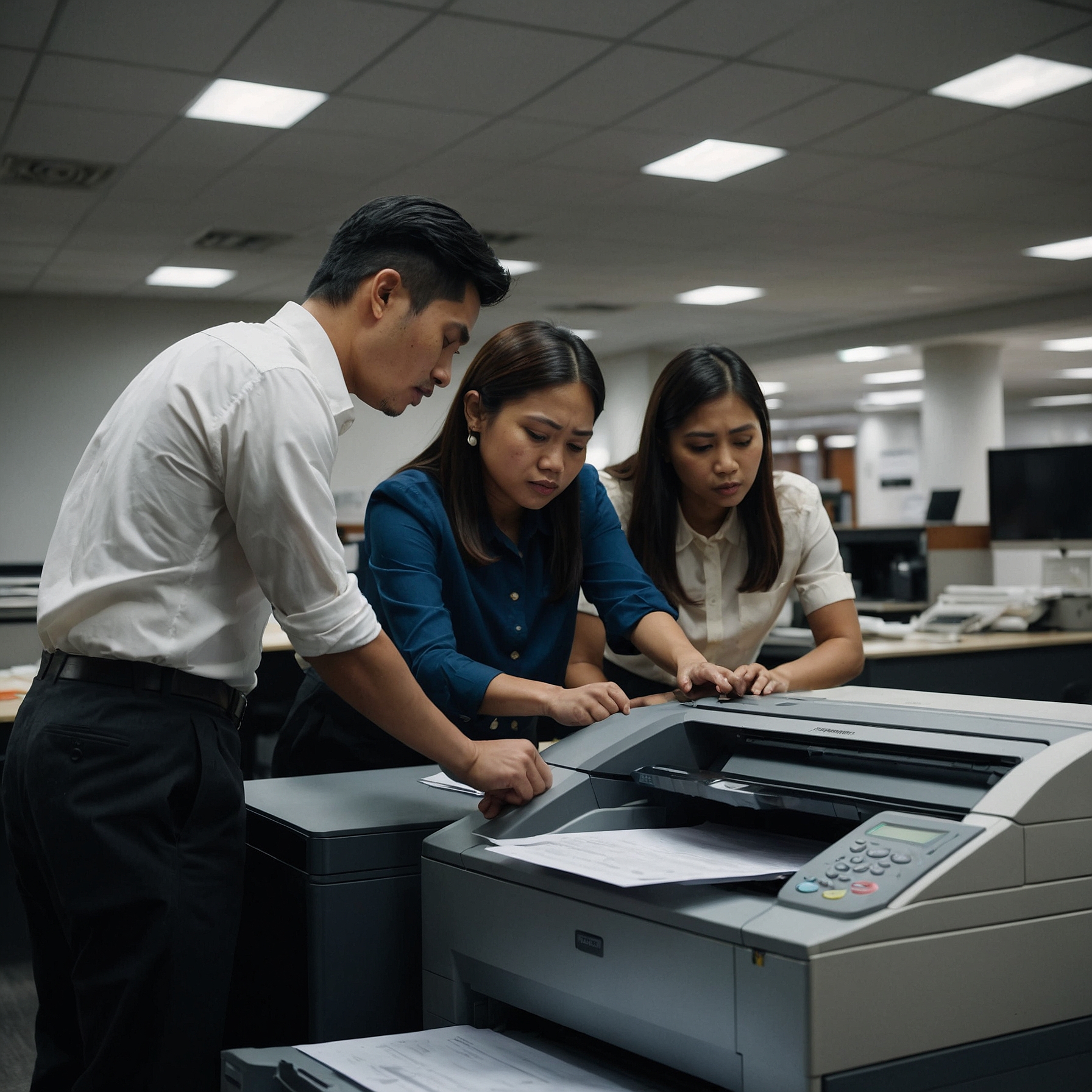
In the modern workplace, efficient printing solutions are crucial. Whether you're managing a small team or a large-scale operation, having the best network printers for offices ensures seamless workflow, fast output, and cost-effective document handling. In this blog, we’ll guide you through what makes a great network printer, recommend top models, and help you choose the right device based on your office needs.
What is a Network Printer?
A network printer is a printer connected to a shared office network, allowing multiple users to print from their computers or mobile devices without needing a direct connection via USB. It’s a must-have for collaborative environments where convenience and productivity are priorities.
Why Choose a Network Printer for Office Use?
Offices often require:
Shared access among employees
Wireless or Ethernet connectivity
Remote print capability
Security features to manage access and prevent data leaks
Investing in the best network printers for offices is not just about printing—it’s about optimizing your office systems.
Key Features to Look For in Network Printers
Before buying a printer, consider these factors:
Connectivity Options
Look for Ethernet, Wi-Fi, Wi-Fi Direct, and mobile printing compatibility (AirPrint, Google Cloud Print).Print Speed and Volume
Choose printers with higher pages-per-minute (PPM) rates and monthly duty cycles if you print large volumes.Monochrome vs. Color Printing
For text-heavy offices, monochrome printers are efficient and budget-friendly. For marketing or creative needs, a color printer is essential.
➤ Learn more about Monochrome Printers for Office UseTotal Cost of Ownership
Consider the long-term costs including ink or toner, maintenance, and energy use.Support and Warranty
Look for printers from manufacturers or rental services offering dependable support.
➤ See the Office Printers with Best Support
Best Network Printers for Offices (2025 Picks)
Below are some of the top-rated options based on different office sizes and printing needs:
1. HP LaserJet Pro M428fdw (Best for Small Offices)
Type: Monochrome Laser
Connectivity: Ethernet, Wi-Fi, USB, Mobile Printing
Pros: Fast printing (up to 40 ppm), compact design, strong security features
Best for: Teams of 5-10 who need high-speed document printing
2. Brother HL-L8360CDW (Best Color Laser for Mid-Sized Offices)
Type: Color Laser
Connectivity: Ethernet, Wi-Fi, NFC
Pros: High print volume, low cost per page, expandable trays
Best for: Marketing teams or general offices with mixed printing needs
➤ Learn more about Best Laser Printers for Offices
3. Canon imageCLASS MF743Cdw (Best All-in-One Network Printer)
Type: Color Laser, All-in-One
Connectivity: Ethernet, Wi-Fi, USB
Pros: Scan, copy, fax features included, intuitive touchscreen
Best for: Offices looking for multi-function capabilities in one device
4. Epson EcoTank Pro ET-5850 (Best Inkjet Network Printer)
Type: Inkjet (Supertank)
Connectivity: Ethernet, Wi-Fi, USB, Mobile
Pros: Extremely low running cost, no cartridges needed
Best for: Offices with moderate volume and frequent color printing
➤ Check out more Inkjet Printers for Office Use
5. Kyocera ECOSYS P6235cdn (Best for High Volume Printing)
Type: Color Laser
Connectivity: Gigabit Ethernet, Wi-Fi (optional), USB
Pros: Long-life components, excellent durability, low maintenance
Best for: Larger offices with constant print demands
Should You Buy or Rent Your Network Printer?
For many businesses, renting a printer can be more cost-effective than purchasing, especially for short-term needs or rapidly growing teams. Rentals typically include:
Maintenance and toner
Quick replacement in case of breakdown
Flexible upgrades
➤ Browse rental-ready units at Best Printers for Office Use
Tips for Maintaining Your Office Printer
To maximize the life and performance of your office network printer:
Regularly update firmware
Use only recommended toner or ink
Keep the printer clean and dust-free
Monitor usage and set print quotas if needed
Schedule periodic maintenance from a trusted provider
Conclusion: The Right Printer Streamlines the Whole Office
Choosing the best network printers for offices isn't just about brand or speed—it’s about matching your business workflow with the right machine. Whether you need speed, color accuracy, or low-cost efficiency, there’s a printer that suits your needs.
With options ranging from monochrome workhorses to multifunction inkjet machines, there’s no reason to settle for less than perfect. Make sure your next printer fits your team, your budget, and your future.
Need Help Choosing?
Visit Marga.biz for expert support, rentals, and top-rated office printer solutions tailored to your business needs.