
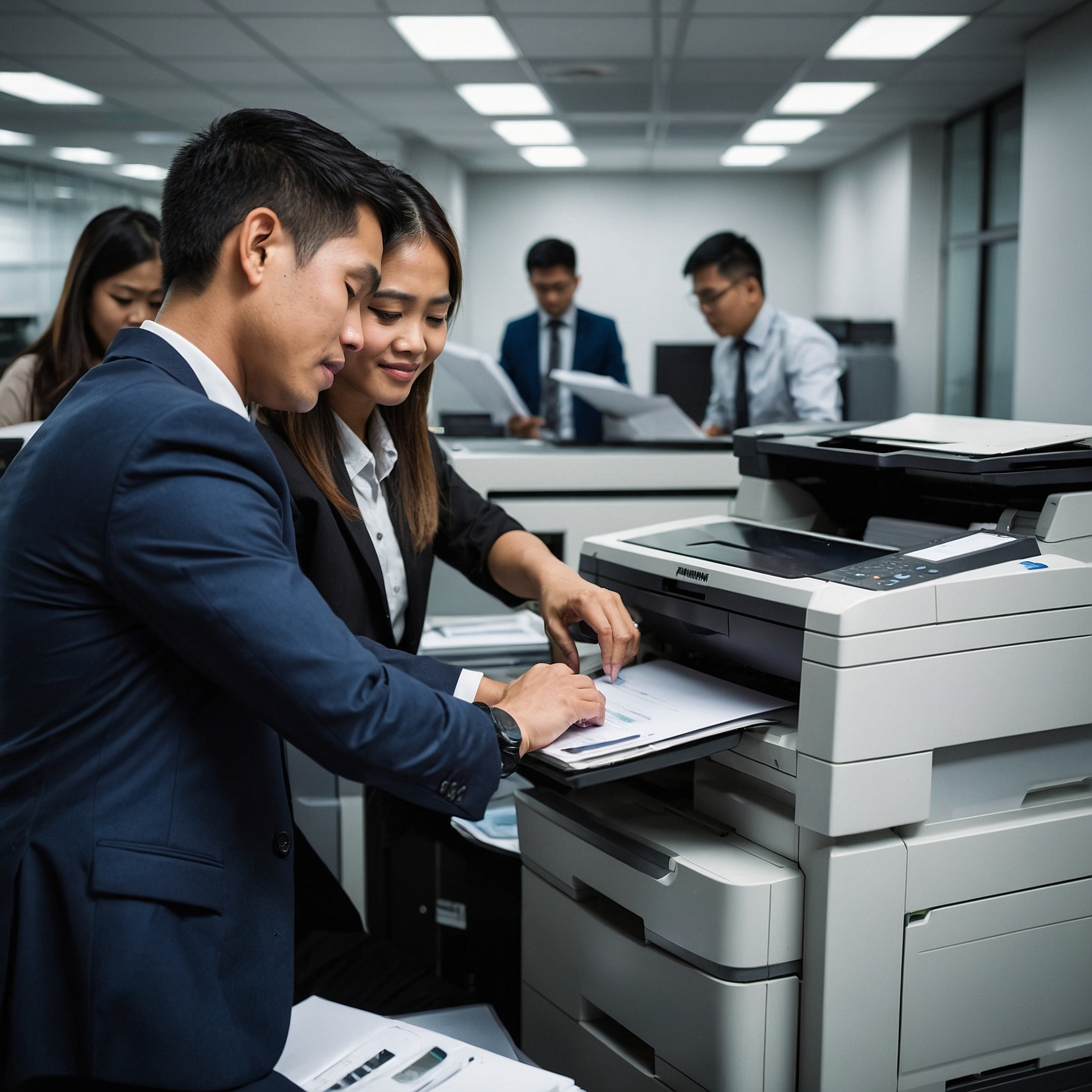
If you're running a business, having a reliable printer in the office is non-negotiable. From invoices to reports, printed materials are part of your daily workflow. That's why choosing the Best Laser Printers for Offices is more than just picking the cheapest model—it’s about finding the right balance of speed, quality, and support.
In this guide, we'll explore what makes a great laser printer for office use, review some top options, and help you decide whether a monochrome or color laser printer is better suited for your needs. Let’s dive in.
Why Choose Laser Printers for Offices?
Laser printers have long been favored in business settings for a few key reasons:
Fast printing speeds – Ideal for high-volume tasks.
Sharp text quality – Great for professional documents.
Lower cost per page – Compared to inkjets, laser printers are more cost-efficient in the long run.
Durability – Most laser printers are designed to handle thousands of pages monthly.
Whether you're managing a startup or a corporate office, a laser printer can boost productivity and reduce operational hiccups.
Monochrome vs. Color Laser Printers
When considering the Best Laser Printers for Offices, it helps to know the difference between monochrome and color models:
Monochrome Laser Printers print only in black and white. They're ideal for text-heavy documents like contracts, memos, and invoices.
Color Laser Printers offer color printing for materials like brochures, presentations, and marketing assets.
If your office mostly prints standard documents, a monochrome printer might be the smarter and more cost-effective option. You can explore some of the top-rated Monochrome Printers for Office Use on our site.
Features to Look For in Office Laser Printers
Here are key features to keep in mind when choosing a laser printer:
1. Print Speed
Measured in pages per minute (PPM), faster printers are essential for busy offices. Look for printers with at least 25–40 PPM for optimal efficiency.
2. Monthly Duty Cycle
This refers to the number of pages a printer can handle in a month without issues. For mid to large offices, aim for models with 20,000+ pages/month capacity.
3. Duplex Printing
Automatic double-sided printing helps save paper and reduce costs.
4. Network Connectivity
Ensure the printer supports Wi-Fi, Ethernet, and mobile printing options like AirPrint or Google Cloud Print for maximum flexibility.
5. Support and Maintenance
Don’t overlook support. A printer with excellent service and repair support will save you headaches later. You can review Office Printers with Best Support to see which brands offer the most reliable after-sales assistance.
Top Picks: Best Laser Printers for Offices
Here are a few highly recommended options for office use, covering both monochrome and color laser printers.
1. Brother HL-L6200DW – Best Monochrome Workhorse
Speed: Up to 48 PPM
Monthly Duty Cycle: 100,000 pages
Pros: Fast, low cost-per-page, great for high-volume use
Best for: Law offices, accounting firms, and government offices
This is a powerhouse for black-and-white documents. Check out more Monochrome Printers for Office Use to find similar high-volume machines.
2. HP Color LaserJet Pro MFP M479fdw – Best Color All-in-One
Speed: 28 PPM
Functions: Print, scan, copy, fax
Pros: High-quality color prints, touchscreen interface
Best for: Marketing teams, schools, and design studios
This model balances speed, color accuracy, and functionality—perfect for departments that need to create impactful materials.
3. Canon imageCLASS MF445dw – Best for Small Offices
Speed: 40 PPM
Monthly Duty Cycle: 80,000 pages
Pros: Compact, user-friendly, wireless printing
Best for: Remote teams, startups, and home offices
For smaller teams that still require speed and reliability, this is a cost-effective solution. It’s also one of the best-reviewed Laser Printers for Offices.
4. Lexmark MC2535adwe – Budget-Friendly Color Option
Speed: 35 PPM
Functions: Print, copy, scan, fax
Pros: Affordable, solid color output
Best for: Offices needing color without breaking the bank
If you're considering an alternative to inkjet color printing, this model offers better efficiency. For more insights, you can also compare it with Inkjet Printers for Office Use.
Cost Considerations
When assessing the Best Laser Printers for Offices, it’s important to consider the Total Cost of Ownership (TCO):
Upfront cost – Initial price of the unit
Toner cost – Laser printers use toner, which may seem expensive but lasts longer
Maintenance – Some printers require periodic drum or roller replacement
Tip: For offices with consistent print demands, consider leasing or renting printers with a support package. This can spread out costs and reduce downtime. Explore options on Marga’s Office Printer Rentals.
Final Thoughts: Which Laser Printer Is Best for Your Office?
Choosing the Best Laser Printers for Offices really depends on your needs:
High volume and low cost? Go for a monochrome workhorse.
Frequent color printing? Choose a color laser MFP.
Tight space? Pick a compact all-in-one model.
Need support? Select a model from a brand known for strong service.
Whether you're upgrading your office setup or replacing an old printer, making a smart choice today will save time, money, and stress tomorrow.
Ready to find the perfect printer?
Explore more options for the Best Laser Printers for Offices and get expert support tailored to your business.