
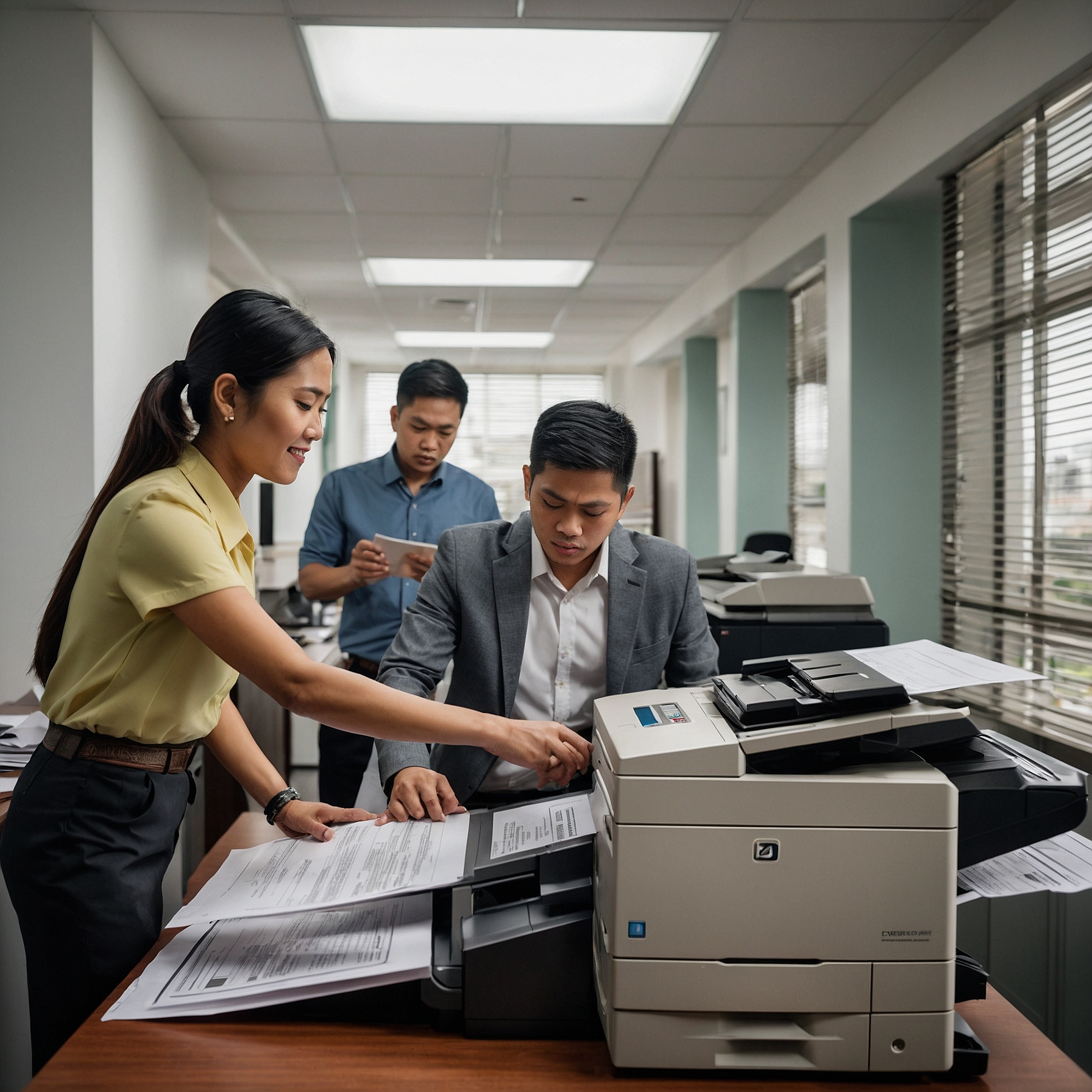
Color copiers have evolved beyond simple print-and-copy machines. Today’s models include:
Wireless connectivity
Secure document handling
High-resolution printing
Energy-efficient technologies
Selecting the best color copier models can improve your workflow, save time, and even cut operating costs.
What to Look For in a Color Copier
Before jumping into specific models, consider the following features to guide your decision:
1. Print Speed and Volume
For busy offices, choose a copier that can handle large volumes without slowing down. Look for models with a high pages-per-minute (PPM) rating.
2. Print Quality
Resolution matters, especially when printing marketing materials. A good benchmark is at least 1200 x 1200 dpi for sharp images and vibrant colors.
3. Multifunction Capabilities
Modern color copiers often serve as printers, scanners, and fax machines. A multifunction device (MFP) saves space and reduces costs.
4. Security Features
Protecting sensitive information is crucial. Choose models with user authentication, secure print, and encrypted data storage. Learn more about copier security features.
5. Cost of Ownership
Look beyond the sticker price. Factor in toner replacement, maintenance, and energy usage. For a deeper dive into copier expenses, check out this resource on color copier rental costs.
Top 5 Best Color Copier Models in 2025
Here are our picks for the best color copier models that balance performance, reliability, and value:
1. Canon imageRUNNER ADVANCE DX C5840i
Why It Stands Out:
Known for reliability and performance, this model delivers up to 40 PPM and boasts sharp 2400 x 600 dpi resolution.
Best For:
Medium to large offices needing consistent high-volume printing.
Key Features:
Cloud connectivity
User authentication and data encryption
Energy Star certified
Bonus: Built-in security and remote fleet management tools.
2. Xerox AltaLink C8145
Why It Stands Out:
This copier is built for productivity. It offers intelligent automation and mobile connectivity, making it ideal for modern work environments.
Best For:
Organizations that want smart document management systems.
Key Features:
Up to 45 PPM
Tablet-like touchscreen
Integration with popular cloud services
Advanced Tip: The AltaLink is featured among models that leverage advanced copier technologies.
3. Kyocera TASKalfa 3554ci
Why It Stands Out:
Known for its durability and low total cost of ownership, the Kyocera TASKalfa is a favorite among small to mid-size businesses.
Best For:
Cost-conscious users without compromising quality.
Key Features:
Long-life components
35 PPM speed
Excellent color calibration
Added Value: Kyocera’s HyPAS platform allows for business app integration and workflow customization.
4. Ricoh IM C4500
Why It Stands Out:
This versatile MFP supports workgroup collaboration with cloud scanning and smart integrations.
Best For:
Teams working with cloud-based systems and document sharing.
Key Features:
45 PPM
Built-in optical character recognition (OCR)
Expandable paper capacity
Tip: Regular updates via firmware keep your device future-proof.
5. HP Color LaserJet Enterprise Flow MFP M776z
Why It Stands Out:
HP offers fast printing speeds with enterprise-level security. This is a compact yet powerful MFP perfect for tight office spaces.
Best For:
Businesses with high-security needs in a smaller footprint.
Key Features:
Advanced security protocols
High-speed scanning and dual-sided printing
Strong mobile compatibility
Bonus: Best Practices for Copier Rental and Maintenance
If you're renting instead of buying, these tips will help you get the most out of your copier:
Know the Return Process: Avoid unnecessary fees. Here's a guide on rental return procedures for color copiers.
Regular Maintenance: Prevent breakdowns by following routine checkups and updates.
Stay Updated on Issues: Learn how to handle paper jams, poor print quality, or connectivity issues in this troubleshooting guide for common color copier problems.
Final Thoughts: Which Copier Is Right for You?
When deciding on the best color copier models, consider your office size, daily printing volume, and feature requirements. Here’s a quick summary:
| Model | Best For | PPM | Key Feature |
|---|---|---|---|
| Canon DX C5840i | Reliability and speed | 40 | Strong security |
| Xerox AltaLink C8145 | Smart workflows | 45 | Touchscreen UI |
| Kyocera TASKalfa 3554ci | Budget-focused | 35 | Long-life parts |
| Ricoh IM C4500 | Cloud integration | 45 | Built-in OCR |
| HP M776z | Small offices, high security | 45 | Compact design |
Still not sure? Consider trying out a rental before buying. That way, you can test the copier’s performance under real conditions without a long-term commitment.
Ready to Get Started?
Explore top-rated copiers and services at Marga Copier Rentals and take the next step toward office efficiency.