
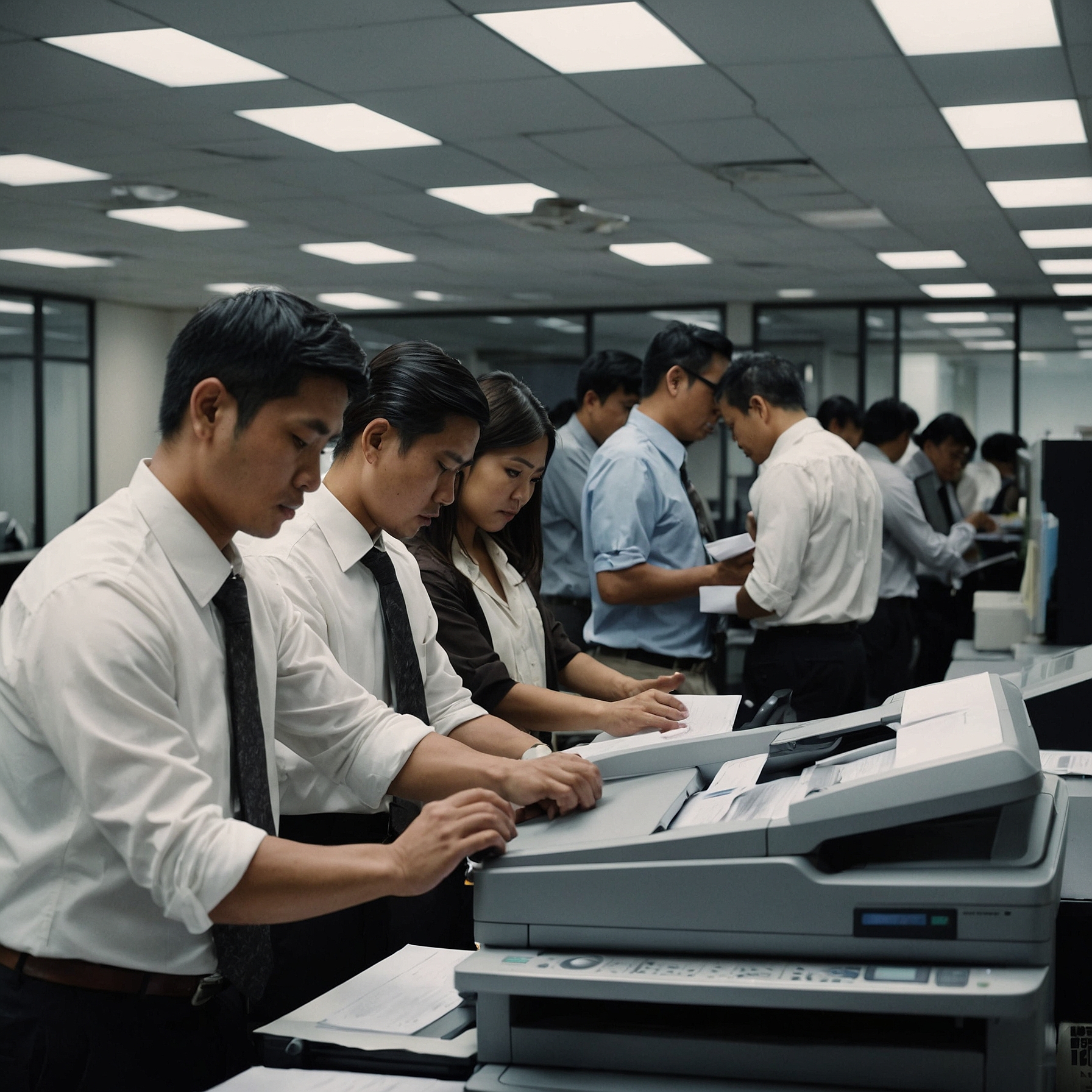
In today’s fast-paced business environment, staying competitive means working smarter—not just harder. Advanced copier technologies improve efficiency, lower operating costs, enhance document security, and reduce downtime. These features make a huge difference in daily operations, especially for teams that handle high-volume print jobs or sensitive information.
Let’s explore the cutting-edge features that are redefining how businesses use color copiers.
1. High-Definition (HD) Color Output
Modern color copiers use advanced laser and toner technologies to produce stunning HD output. These copiers can print with resolutions up to 1200 x 1200 dpi or higher, ensuring that images, text, and graphics are sharp and vibrant.
Key Benefits:
Professional-looking marketing materials
Crisp reports and proposals
Improved brand presentation
This level of print quality is especially useful for industries like marketing, real estate, design, and education.
2. Touchscreen Interfaces and Smart Navigation
Forget the old button-heavy panels. Today’s copiers feature intuitive touchscreen displays, similar to a tablet or smartphone. These interfaces allow users to:
Customize workflows
Access cloud apps directly (like Google Drive or Dropbox)
Preview documents before printing or scanning
Some machines even support multi-user login and customization, making it easier for departments to access their specific settings and shortcuts.
3. Cloud and Mobile Printing
With remote work becoming more common, cloud and mobile printing capabilities have become essential. Advanced color copiers now allow:
Direct printing from smartphones and tablets
Scan-to-email or scan-to-cloud functionality
Integration with platforms like Microsoft 365 or Google Workspace
This flexibility helps improve collaboration, especially in hybrid work environments.
4. AI-Powered Features and Predictive Maintenance
One of the most exciting developments is the use of artificial intelligence (AI) in modern copiers. Some high-end machines use AI to:
Automatically detect paper size and document type
Adjust print settings for best output
Predict potential failures or maintenance needs before they occur
This predictive maintenance reduces downtime and service costs, ensuring your operations run smoothly.
5. Built-in Security Features
Data security is a top concern in any office. Thankfully, advanced technologies in color copiers now include enterprise-level security tools such as:
User authentication and PIN access
Encrypted hard drives
Secure print release
Audit logs for usage tracking
These tools help prevent unauthorized access to sensitive documents and reduce the risk of data breaches.
For more on this, check out this helpful guide on Security Features for Color Copiers.
6. Eco-Friendly and Energy-Efficient Design
New-generation color copiers are not only smarter but also greener. Many now feature:
Energy-saving modes
Low-melt toners for reduced energy consumption
Automatic duplex printing to save paper
Recyclable toner cartridges
This makes it easier for businesses to meet their sustainability goals while saving on energy and supply costs.
7. Advanced Scanning and OCR
Gone are the days of slow, low-resolution scans. Today’s copiers include:
High-speed duplex scanning (both sides in one pass)
Optical Character Recognition (OCR) to convert scans into editable text
Auto-cropping and file compression
These features are extremely helpful for digitizing documents and creating searchable archives—especially in legal, education, and healthcare sectors.
8. Workflow Automation and Custom Apps
Some copier brands allow custom app integration. These apps can automate routine tasks such as:
Filing scanned documents to specific folders
Sending invoices to accounting software
Batch printing jobs at scheduled times
This level of workflow automation saves time and improves productivity. It transforms your copier into a multifunctional hub.
9. Remote Diagnostics and Troubleshooting
Thanks to remote access technology, technicians can now diagnose and fix many issues without visiting your office. Some copier rental providers also offer:
Real-time monitoring
Remote firmware updates
Instant notifications for toner or paper supply
This is especially beneficial when you’re working with a service-based copier rental provider. Learn more about Troubleshooting Common Color Copier Problems to see how technology helps speed up support.
10. Simplified Rental and Return Procedures
Advanced tech isn’t just in the hardware—it’s also in the systems around it. Many copier rental companies now provide digital documentation, automated billing, and smooth return processes. This makes renting high-tech copiers much easier.
If you're curious, check out this page on Rental Return Procedures for Color Copiers.
Choosing the Right Copier With the Right Technology
Before committing to a copier rental or purchase, consider these steps:
Assess your needs. Are you printing graphics-heavy brochures or basic office reports?
Think about security. If your business handles sensitive data, invest in copiers with strong security features.
Look for future-proof tech. Cloud integration, remote access, and AI features can help your team adapt to changing work environments.
Understand costs. Learn more about color copier rental costs before deciding.
Final Thoughts
Advanced technologies in color copiers are transforming how businesses work—offering better quality, stronger security, and more efficient workflows. Whether you’re a small startup or a large enterprise, investing in a modern color copier can streamline operations and enhance productivity.
If you’re exploring options, consider partnering with a provider that not only offers the latest copier technology but also supports your needs with flexible rental plans and reliable service.
Need help choosing the right copier for your business?
Visit our guide to Advanced Technologies in Color Copiers and find out how today’s innovations can empower your office.